RayNeo GT AR Glasses
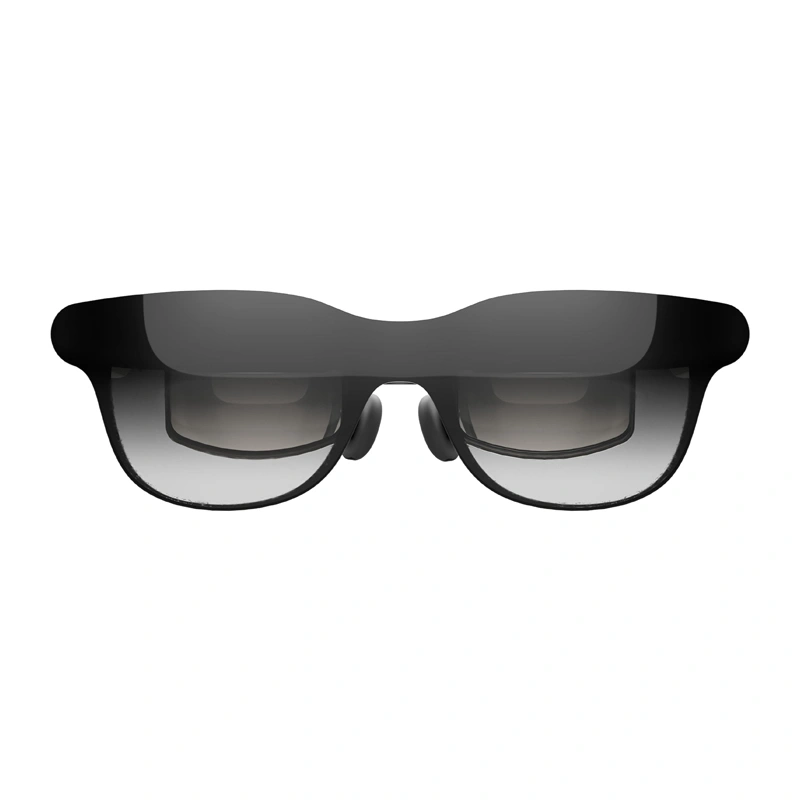
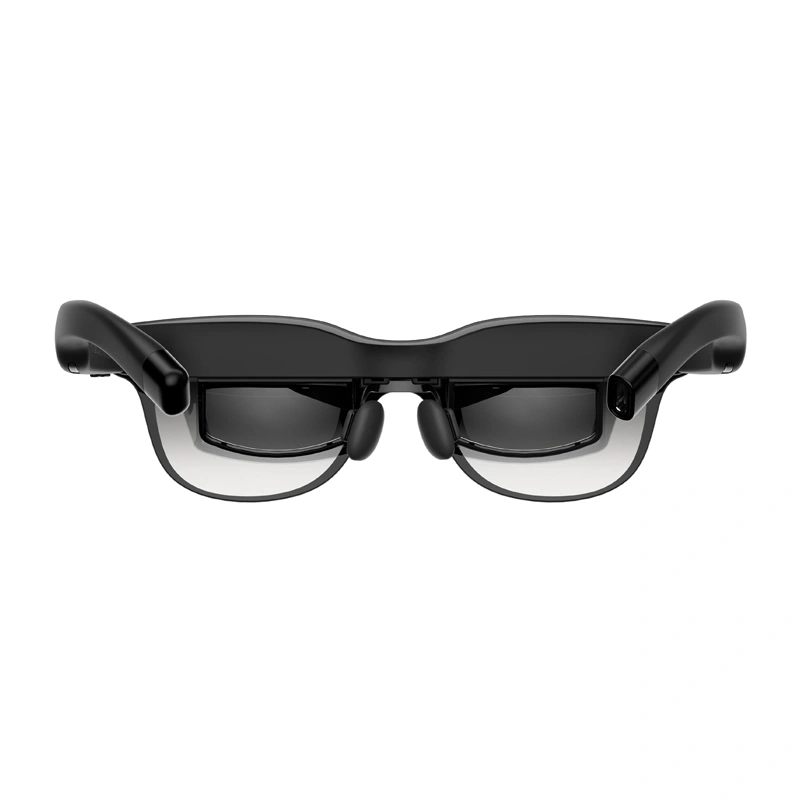
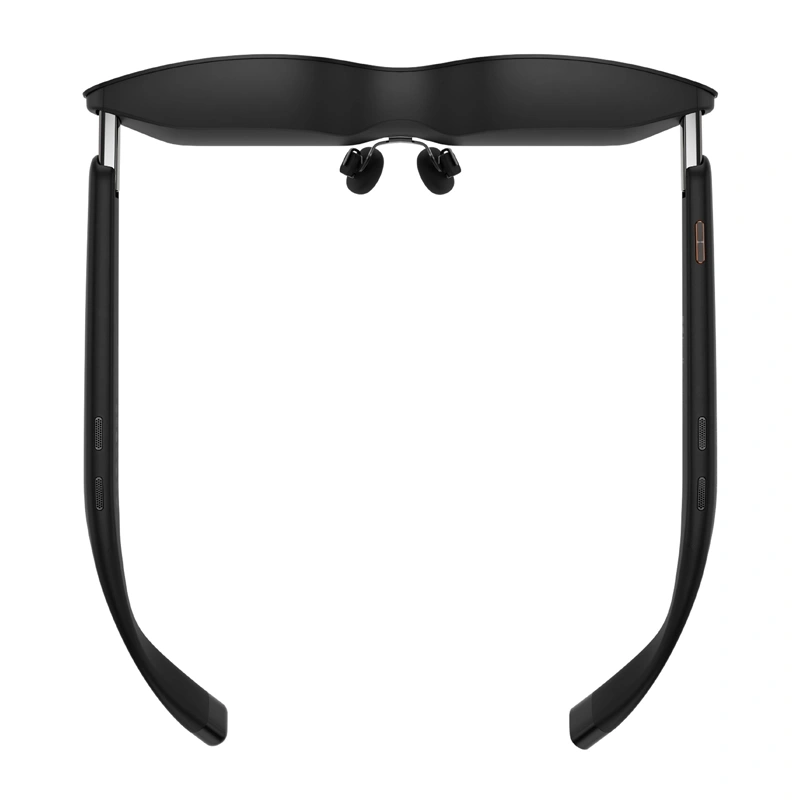
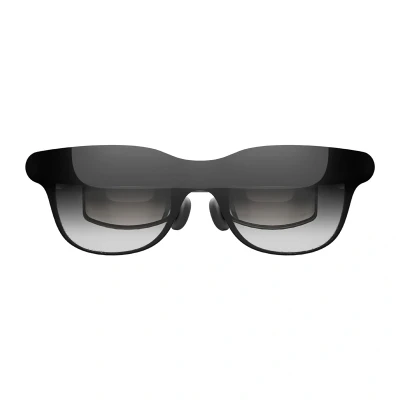
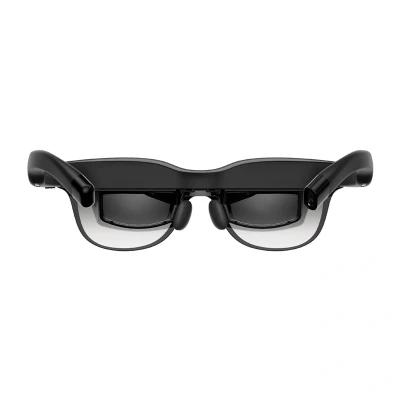
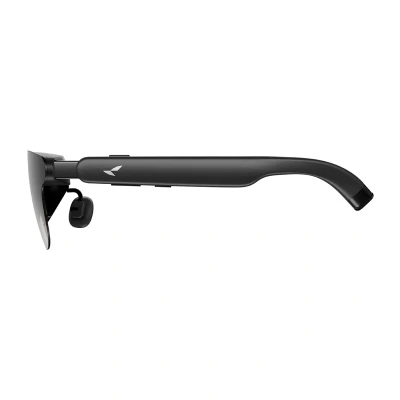
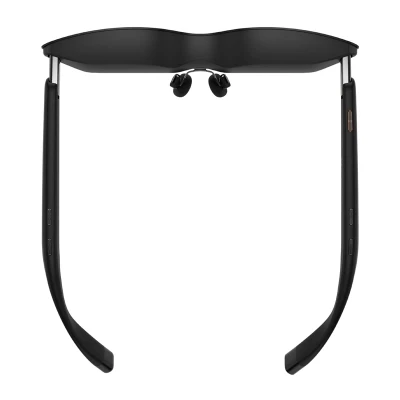
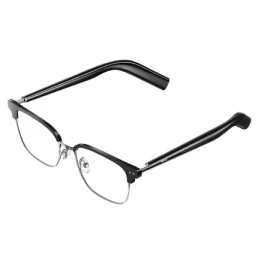
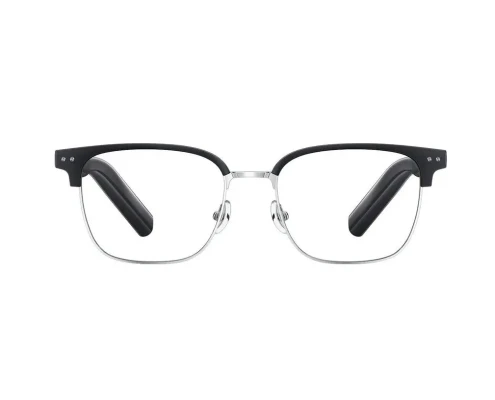
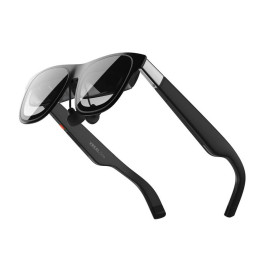
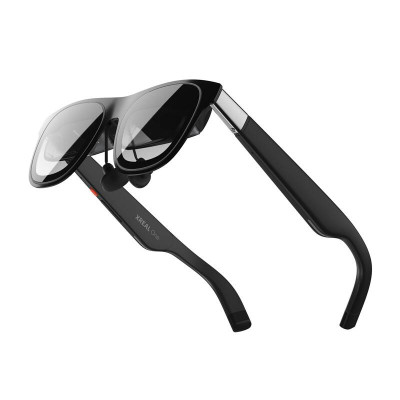
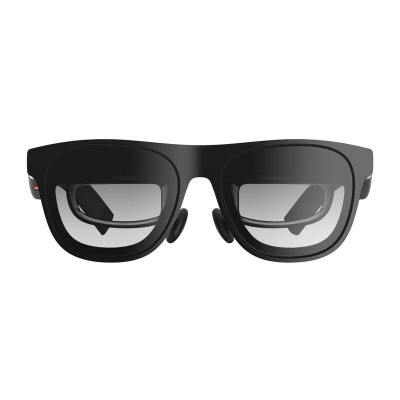
The RayNeo GT AR Glasses are a portable display designed for watching movies, playing games, and enjoying content on a large virtual screen. They support 2D and 3D display modes, three screen sizes, several image positioning options, and brightness, color, scene, and audio settings accessible via the OSD menu. The RayNeo GT can be connected directly to compatible USB-C devices that support DisplayPort, and—with the appropriate adapters—to game consoles, HDMI sources, or older iPhone models. During a standard USB-C connection, the glasses do not require their own battery, as they are powered by the connected device.

Three Image Sizes and Various Spatial Modes
The RayNeo GT allows you to set the size of the displayed image to 85%, 100%, or 115%, so you can adjust the screen to suit the type of content and your personal preferences. The 100% setting is the default size; 115% enlarges the central part of the image, reducing the visibility of black bars; and 85% shrinks the screen to minimize cropping. Stable, Pinned, and Follow modes are also available. Stable Mode helps stabilize the image while moving; Pinned Mode allows you to anchor the screen to a specific location in space; and Follow Mode makes the image track the user’s head movements.

2D and 3D Images and Display Settings
The glasses allow you to switch between 2D and 3D display modes without having to navigate through complex settings. To switch, simply press any volume button and the Space Mode button simultaneously, allowing you to quickly adjust how content is displayed. In the OSD menu, you can also adjust brightness and select SDR, AI HDR, and Dolby Vision picture modes. Scene modes—Standard, Movie, Eye Care, and Read—are also available, as well as a color optimization feature, which is enabled by default in AI HDR mode.

Adjustable Audio and Three Listening Modes
The RayNeo GT offers 12 levels of volume control and three additional gain levels, making it easy to adjust the sound to your surroundings and the type of content. You can switch between Standard Audio, Whisper Audio, and Spatial Surround Audio modes. Whisper Audio is designed for greater listening privacy, while Spatial Surround Audio provides a more immersive sound experience. The glasses can also be used with separately sold sound tubes, which reduce sound leakage by 80%.

USB-C Connection and Multi-Device Support
The RayNeo GT is compatible with USB-C devices that support DisplayPort video output, so in many cases, all you need to do is plug in the cable and start using the glasses. They are compatible with, among other devices, compatible smartphones, tablets, computers, and gaming devices equipped with a USB-C port. When using a USB-C adapter, you can simultaneously stream video and charge the source device. This feature can be particularly useful during extended movie-watching or gaming sessions.

Compatibility with Consoles, iPhone, and Pocket TV Pro
When using the appropriate HDMI adapter, the glasses can be used with consoles such as the PlayStation and other devices that use an HDMI output. The Nintendo Switch and Switch 2 can be connected to the RayNeo GT using the Joy-Dock (sold separately), while the iPhone 14 and earlier models require a compatible HDMI adapter and a Lightning-to-HDMI adapter. The glasses can also be used with Pocket TV Pro, providing access to movies, TV shows, live streams, and apps. When paired with a compatible Pocket TV Pro, Dolby Vision support can be enabled automatically for compatible content.

Controls and Accessories for Everyday Use
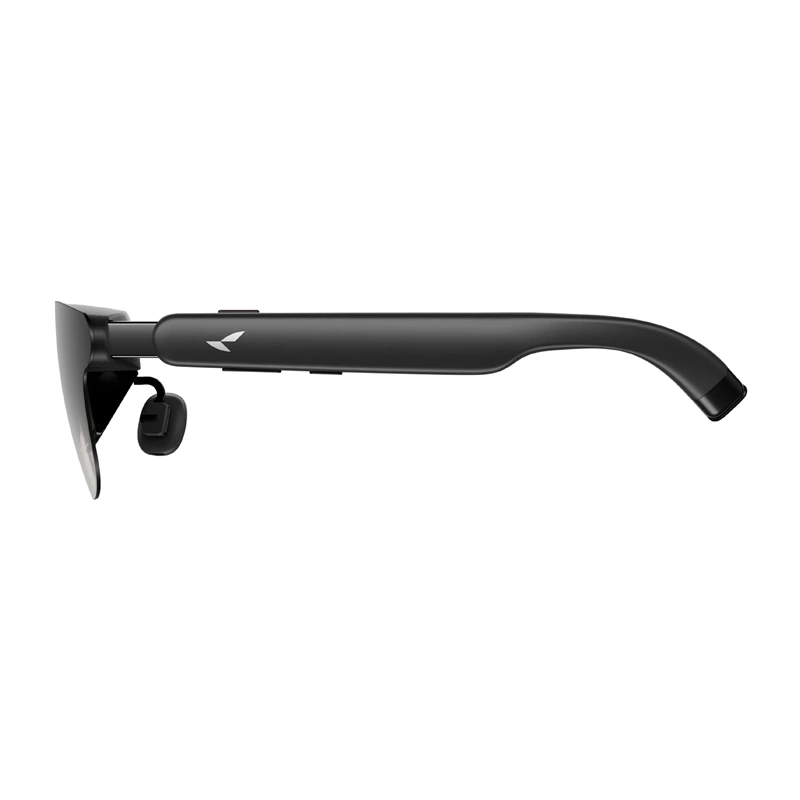
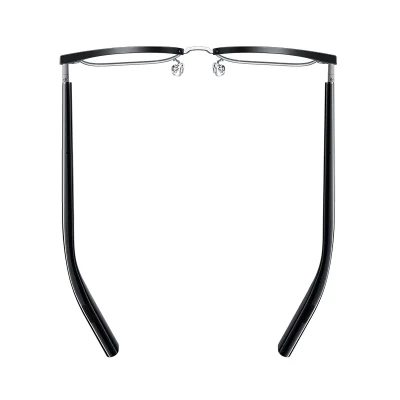
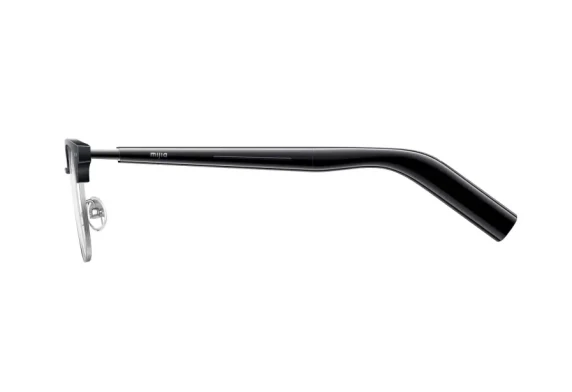
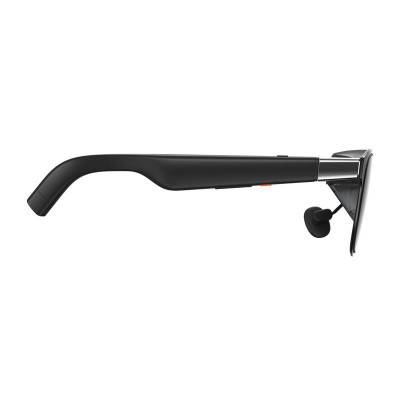
The RayNeo GT’s key functions can be controlled directly using the buttons located on the frames. The Menu button is used, among other things, to open the OSD settings and confirm selections, while separate controls allow you to adjust the volume, sound effects, and change the surround sound mode. The manufacturer has also included a carrying case, a USB-C cable, a cleaning cloth, an adapter for prescription lenses, additional nose pads, and non-slip temple tips. This means that the basic accessories needed for storing, connecting, and adjusting the glasses are already included.

Included
- RayNeo GT AR glasses
- Adapter for prescription lenses
- Nose pads x 2
- Carrying case
- USB-C cable
- Glasses cleaning cloth
- Non-slip temple tips x 4
- User manual
- Safety and after-sales service manual
| Manufacturer | RayNeo |
|---|
| Model | GT |
|---|
| Product Type | AR glasses |
|---|
| Display Modes | 2D, 3D |
|---|
| 2D/3D Switching | Simultaneously press any volume button and the Space Mode button |
|---|
| Screen Sizes | 85%, 100%, 115% |
|---|
| Spatial Modes | Stable Mode, Pinned Mode, Follow Mode |
|---|
| Image Quality Modes | SDR, AI HDR, Dolby Vision |
|---|
| Scene Modes | Standard, Movie, Eye Care, Read |
|---|
| Brightness Adjustment | Yes |
|---|
| Color Optimization | Yes |
|---|
| Volume Levels | 12 |
|---|
| Additional gain levels | 3 |
|---|
| Audio modes | Standard Audio, Whisper Audio, Spatial Surround Audio |
|---|
| Basic connection | USB-C with DisplayPort support |
|---|
| Power over USB-C | from a connected device |
|---|
| Compatibility with Pocket TV Pro | Yes |
|---|
|







 Pieejams: 200 gab
 Pasūtiet tagad un saņemiet veikalā 8. oktobrī

 Ielikt grozā



 Instagram